
Navigation Patterns That Reduce Friction
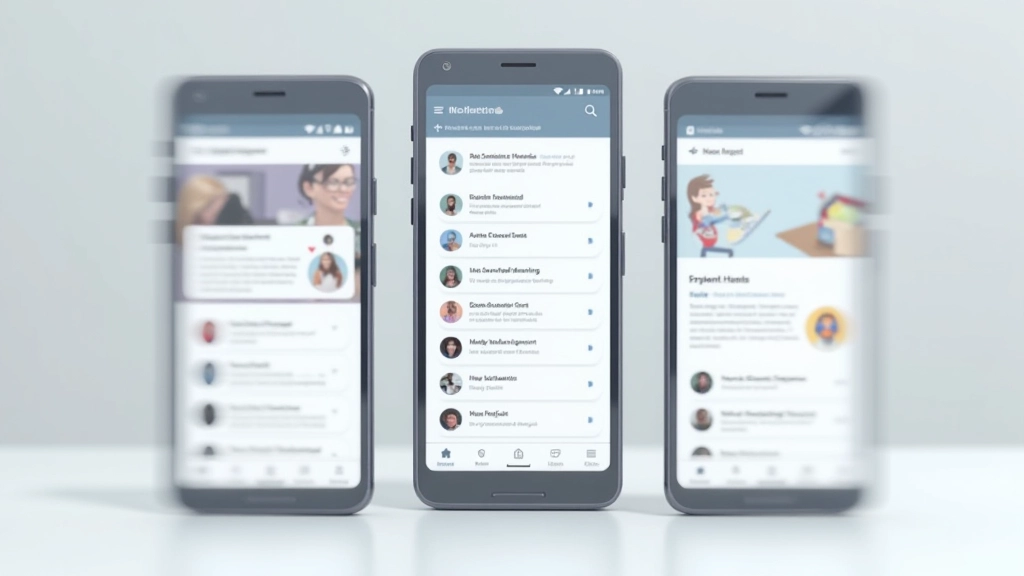
Bottom tabs, hamburger menus, and swipe navigation each solve different problems. We’ll break down when to use each pattern and how to implement them so users actually find what they need.
Why Navigation Design Matters More Than You Think
Your navigation isn’t just a way for users to move around. It’s often the difference between someone exploring your app for 10 minutes versus leaving after 30 seconds. We’ve all experienced it — you open an app, can’t find what you’re looking for, and you’re done.
The thing is, most navigation patterns work fine when you implement them correctly. The problem isn’t choosing between tabs or hamburger menus. It’s about understanding what your users actually need to do, then making that path obvious. We’re going to walk through the main patterns you’ll encounter and when each one genuinely makes sense.

The Four Main Navigation Patterns
Each pattern solves a specific problem. None is inherently “better” — context matters.
Bottom Tab Navigation
Tab bars at the bottom of the screen work because they’re reachable with your thumb. You get 3-5 main sections visible at all times, and switching between them is instant. No menu opening, no navigation drawer sliding in. Just tap.
Use this when: You’ve got 3-5 main sections that users jump between constantly. Instagram, TikTok, Twitter — they all use tabs because users want quick access to Feed, Messages, Profile. It’s the standard for a reason.
The catch: You’re limited to 5 tabs before the text gets too small. Anything beyond that and you’ll frustrate users.


Hamburger Menu Navigation
The three-line icon that reveals a menu. This pattern gives you unlimited space for navigation items. You’re not constrained by screen width or icon size. Got 15 sections? No problem. Hamburger menus can handle it.
Use this when: You’ve got lots of content or features that don’t need constant access. Settings, Help, Account options, archived items — these belong in a hamburger menu. Users don’t need to see them every screen.
The tradeoff: It’s one extra tap to get anywhere. Studies show about 20% fewer people discover menu items hidden in hamburger menus compared to visible tabs. Your most-used features probably shouldn’t live here.
Swipe Navigation
Horizontal swipes between content sections. Snapchat’s Stories use this. So does many dating apps. You swipe left or right and move to the next section. It feels natural and creates a sense of discovery.
Use this when: You’ve got 3-4 sections with sequential content, or you want to encourage exploration. Swipe navigation feels playful and modern. It’s also very thumb-friendly since you’re just dragging your finger horizontally.
The limitation: Users don’t always realize swipe navigation exists. You need visual cues (slight peeking of the next section, dots showing progress). Without those hints, people will miss entire features. Also, swiping doesn’t work well for non-sequential content.

Segmented Control Navigation
A row of buttons at the top or bottom showing your options. Usually 2-4 segments. Think “All / Following / Trending” on Twitter, or “Stories / Messages” on Snapchat. It’s explicit and leaves no guessing.
Use this when: You need to switch between related views of the same data. Sorting options, filtering views, toggling between lists and grids. Segmented controls are incredibly clear because every option is visible.
The reality: This only works for 2-4 options. Beyond that, the buttons become too small or the text gets truncated. It’s also permanent screen real estate — you’re always showing it, even when users might not need it.
How to Implement Navigation That Actually Works
Choosing the right pattern is half the battle. The other half is implementing it so users don’t get confused.
Here’s what we’ve learned from testing dozens of Canadian apps and websites: Most navigation failures aren’t about the pattern itself. They’re about inconsistency. Users learn your navigation once. If it changes, they get lost.
- Keep navigation consistent across all screens. Don’t use tabs on one screen and a hamburger menu on the next. Pick one primary navigation pattern and stick with it.
- Make the current section obvious. Use color, icons, or both. Users should always know where they are. An inactive tab should look clearly different from the active one.
- Avoid more than one navigation system. Don’t have tabs at the bottom AND a hamburger menu at the top. One primary pattern, one backup for less common features.
- Test with real users on real devices. What works on a 6-inch phone might feel cramped on a 5-inch device. Thumb reach varies. Test with people holding the phone naturally, not perfectly centered.

Common Navigation Mistakes We See Constantly
After reviewing hundreds of mobile apps, we’ve noticed patterns in what breaks navigation. These aren’t design theory problems. They’re practical issues that actually hurt user engagement.
Putting Too Much in Bottom Navigation
We’ve seen apps cram 6, 7, sometimes 8 items into bottom tabs. The text becomes unreadable. Icons alone don’t cut it — most users can’t figure out what an abstract icon means without a label. Result: Users tap randomly, don’t find what they need, and leave.
Hiding Essential Features in Hamburger Menus
Your app’s most-used features shouldn’t require three taps to access (menu find item tap). If users need something on almost every visit, it belongs in bottom tabs or as a floating button, not hidden away.
Swipe Navigation Without Clear Indicators
Don’t assume users know they can swipe. You need visual hints: page dots at the bottom showing how many sections exist, a slight peek of the next section, or explicit left/right arrows. Otherwise, 30-40% of your users won’t discover that part of the app.

Deciding Which Pattern Works for Your Users
There’s no universal “best” pattern. What matters is what your users actually do.
Ask yourself: What do users do first when they open the app? What’s the second most common action? If 80% of your users need access to Features A, B, and C constantly, those belong in bottom tabs. Everything else can hide in a menu.
In Canada specifically, we’re seeing trends shift toward bottom navigation in mobile-first apps. Users here, like everywhere, prefer one-handed operation. Bottom tabs are reachable with your thumb while holding the phone. Top menus force you to reach up or shift your grip.
Quick decision framework:
- 3-5 main sections, accessed frequently? Bottom tabs
- 6+ sections, mixed frequency? Hamburger menu (with tabs for top 3-4)
- Related views of same data? Segmented control
- Sequential content, exploration encouraged? Swipe navigation

The Bottom Line on Mobile Navigation
Navigation is invisible when it works. Users don’t think about it. They just get where they need to go. That’s the goal.
The pattern you choose matters less than consistency and clarity. Pick the one that matches how your users actually behave, implement it consistently everywhere, and test with real people. Don’t get caught up in following trends. If your app uses bottom tabs because that’s where your most-accessed features are, that’s the right choice — even if some other app uses a hamburger menu.
Start with one primary navigation pattern. Get it right. Once users understand how to move around, you’ve solved one of the biggest friction points in mobile design. Everything else gets easier from there.
About This Article
This guide provides educational information about mobile navigation patterns and UX best practices. While these approaches are based on common industry standards and user research, the effectiveness of any navigation pattern depends on your specific audience, context, and implementation. We recommend testing navigation designs with real users before launching. Every application’s needs are unique, and what works for one product might not work for another. Consider consulting with UX professionals for your specific project.
Related Articles

Building Mobile-First Interfaces That Actually Convert
Learn how to structure your mobile design so users naturally move toward your key actions and engagement increases.
Read Article
Why Mobile Speed Matters More Than You Think
It’s not just about rankings. Users abandon slow mobile sites within seconds. We break down what actually matters.
Read Article
Testing Mobile UX Without Breaking Your Budget
You don’t need an expensive lab to test your mobile design. These affordable methods give you real user insights.
Read Article